The Ultimate Guide to WhatsApp Usernames and Business-Scoped User IDs (2026)
Master WhatsApp’s 2026 updates with our complete guide on reserving usernames, implementing Business-Scoped User IDs (BSUIDs), and leveraging new privacy features.
Author
Shalimar Mehra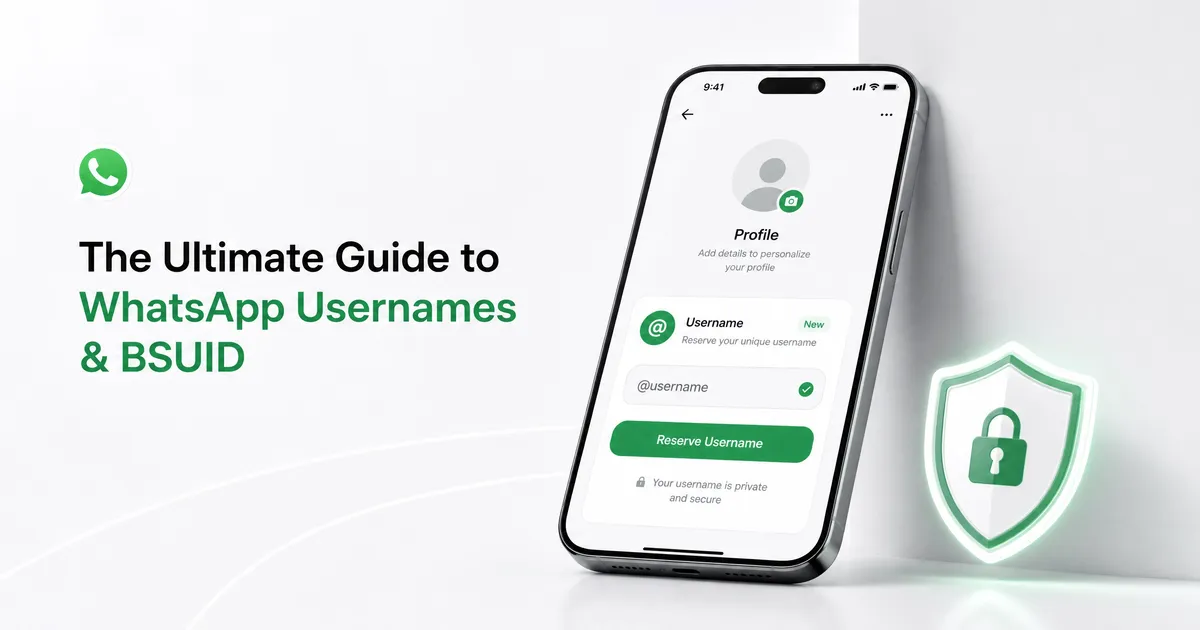
The Ultimate Guide to WhatsApp Usernames and Business-Scoped User IDs (2026)
Introduction - WhatsApp has initiated one of its most significant infrastructure changes to date: replacing phone-number-centric identities with usernames for its three billion users. As of June 29, 2026, users and businesses can reserve unique handles, allowing people to communicate without exposing their personal phone numbers.
However, this shift introduces a major technical requirement for businesses using the WhatsApp Business Platform. Because you cannot control if a user adopts a username, businesses must immediately integrate a new backend identifier called the Business-Scoped User ID (BSUID). If your systems only rely on phone numbers, you will lose the ability to process messages from users who switch to usernames.
This guide breaks down exactly how consumers can secure their identities and how developers must update their API integrations to maintain uninterrupted communication.
Quick Answer / Summary
Usernames: Available to reserve starting June 29, 2026. They allow for private messaging without sharing phone numbers.
Business-Scoped User IDs (BSUID): A mandatory backend identifier Meta began sharing in April 2026. It uniquely identifies a user tied to a specific business portfolio.
API Webhook Changes: User phone numbers will eventually disappear from most webhooks if the user adopts a username, replaced entirely by the BSUID.
New Privacy Features: WhatsApp has also launched Incognito Chat with Meta AI, Chat Lock with secret codes, and is developing View-Once Text messages and hidden community groups.
Why It Matters - For everyday users, usernames represent a massive leap in privacy, eliminating the need to hand out personal digits to classmates, neighbors, or massive group chats. For businesses and developers, failing to support BSUIDs means critical failure. If a customer messages you using their new username, but your webhook only listens for phone numbers, the conversation context will drop, and your automated systems will break.
1. Consumer Guide: WhatsApp Usernames and Privacy Features
Reserving and Managing Usernames:
WhatsApp users can now reserve a single unique handle to represent them across the platform. Once activated, when you message a person or business for the first time, they will see your username instead of your phone number.
Format: Usernames must be 3-35 characters, contain at least one English letter, and can include digits, periods, and underscores.
Security: To prevent spam, WhatsApp offers an optional "username key". Anyone trying to contact you for the first time must know both your username and this specific code.
Ecosystem Privacy Enhancements (2026 Updates):
Alongside usernames, WhatsApp is rolling out several other privacy and AI features:
Incognito Chat with Meta AI: Launched on May 13, 2026, this feature uses Private Processing technology. Your messages to the AI are processed in a secure environment, are completely invisible to Meta, and disappear by default. Users can also interact with Meta AI using various slash commands (e.g.,
/ask,/summarize,/imagine).View-Once Text Messages: Currently in beta (iOS 26.24.10.16 and Android 2.26.22.7), WhatsApp is testing text messages that vanish after a single read. The app blocks copying, forwarding, and screenshots for these texts.
Chat Lock with Secret Code: Users can now lock specific chats requiring Face ID or a custom secret code to access.
Hidden Community Groups: In Android Beta 2.24.17.5, WhatsApp is giving community admins the ability to make specific group chats invisible to general members, restricting access only to invited participants.
2. Developer Guide: Navigating Business-Scoped User IDs (BSUID)
To support the username rollout, Meta requires all WhatsApp Business Platform partners, directly integrated businesses, and Click-to-WhatsApp (CTWA) advertisers to support BSUIDs.
What is a BSUID?
A BSUID is an automatically generated alphanumeric string (up to 128 characters) prefixed with a user's ISO 3166 alpha-2 country code (e.g., US.13491208655302741918).
Scope: BSUIDs are unique to each business portfolio-user pair. Any business phone number owned by your portfolio can message a BSUID scoped to that portfolio, but attempts to message it from a different portfolio will fail.
Parent BSUIDs: Managed businesses with multiple portfolios can apply for a "Parent BSUID" (e.g.,
US.ENT.11815799212886844830), which works across all enrolled portfolios.
The 30-Day Phone Number Rule
If a user adopts a username, their phone number will generally be stripped from webhook payloads, replaced by the user_id (BSUID) property. However, to help businesses maintain conversational context, Meta will still include the phone number in webhooks if:
You have messaged or called the user's phone number in the last 30 days.
You received a message/call from their phone number in the last 30 days.
The user is stored in your new Meta-hosted Contact Book.
The Contact Book and Contact Request Buttons
Meta now provides a business portfolio-level Contact Book that automatically stores user phone numbers and BSUIDs after an interaction.
To easily collect phone numbers from users who hide behind usernames, developers can send interactive messages or templates containing a REQUEST_CONTACT_INFO button. When tapped, this triggers a contacts webhook containing the user's phone number, which is automatically saved to the Contact Book.
Step-by-Step Guide: Reserving a Business Username via API
Starting June 29, 2026, businesses can adopt or change their username via the Meta Business Suite, WhatsApp Manager, or the Username API.
Step 1: Verify your business phone number is registered for API use.
Step 2: Ensure your messaging limits are eligible for a username.
Step 3: Use the Username API POST request to claim your handle.
Required parameter:
username.Optional parameter:
transfer_action(useforce_transferif moving the username from another number in your portfolio).
Step 4: Await approval. The status will show as reserved until usernames go fully live, at which point it switches to approved.
Comparison: Consumer vs. Business Usernames
Feature | Consumer Usernames | Business Usernames |
|---|---|---|
Privacy Function | Hides personal phone number. | Does not hide the business phone number. |
Quantity allowed | 1 per user (can be changed periodically). | 1 per business phone number. |
Claiming Method | In-app: Settings > Account > Username. | Meta Business Suite, WA Manager, or API. |
Format Restrictions | 3-35 chars, alphanumeric, no special characters other than | Same as consumer, plus restrictions against starting with |
Best Practices:
For Consumers: Cybersecurity experts advise against reusing your Facebook or Instagram handles on WhatsApp. Using a unique WhatsApp-only username prevents bad actors from cross-referencing your social profiles for social engineering attacks. Always enable the "username key" for extra protection.
For Businesses: Begin testing BSUID webhooks immediately. Use the App Dashboard's test tool to simulate payloads where a user has adopted a username and their phone number is unavailable.
Common Mistakes:
Omitting BSUID Formatting: When making API requests, you must use the entire BSUID string, including the country code and period. Omitting these will cause message failure.
Assuming Cross-Portfolio Access: If you are a solution provider, you cannot use a BSUID scoped to your client's portfolio to send messages from your own business phone number.
Using BSUIDs for Authentication: BSUIDs can be used for almost all message types, except one-tap, zero-tap, and copy-code authentication templates, which strictly require a phone number.
Practical Examples: Webhook Payload Changes
If a user enables a username and falls outside your 30-day contact cache, your messages webhook will drop the wa_id (phone number) and only return the user_id (BSUID).
Example of an incoming text without a phone number:
"contacts": [{
  "profile": {
    "username": "customer_handle"
  },
  "user_id": "US.13491208655302741918"
}]
Note the absence of wa_id. Your backend must parse user_id to route the message correctly.
Expert Tips:
"If you decide to use a username, treat it like a public identifier: pick something hard to guess, avoid name patterns that map directly to other profiles, and enable any extra contact restrictions available in the app." — Malware Intelligence Researchers.
For businesses, if you have legacy Facebook or Instagram accounts, you can claim those exact handles on WhatsApp, but you must link your business phone number to the Facebook Page or Instagram account via the Accounts Center first.
Frequently Asked Questions
Will adopting a business username hide my business phone number? No. Business usernames are not intended for privacy. Even if you adopt a username, your business phone number will still be visible in your profile.
Can users change their BSUID? A BSUID is tied to a user's phone number and the specific business portfolio. If a user changes their phone number in the consumer app, a system message webhook is triggered, and a new BSUID is generated.
Can I send marketing templates using BSUIDs? Yes. The Marketing Messages API fully supports sending templates via the recipient parameter (BSUID), though sending to phone numbers via the to parameter is recommended so you can continue capturing phone numbers in future webhooks.
Are Meta AI Incognito Chats saved? No. Conversations with Meta AI in Incognito Chat process securely without Meta's access, are not saved, and vanish by default.
Also Read this: Top 10 Most Popular Social Media Platforms in 2026: The Ultimate Growth Guide
Community Discussion
Loading comments...
Join the Conversation
Log in to post your thoughts, ask questions, and engage with authors and developers.
Log in to Comment