YouTube Brings Back DMs: How to Use the New Invite-Only Messaging Feature
YouTube is bringing back direct messaging (DMs) after six years. Learn how to use the new invite-only in-app messaging feature, its privacy limits, and why YouTube is targeting social sharing.
Author
Shalimar Mehra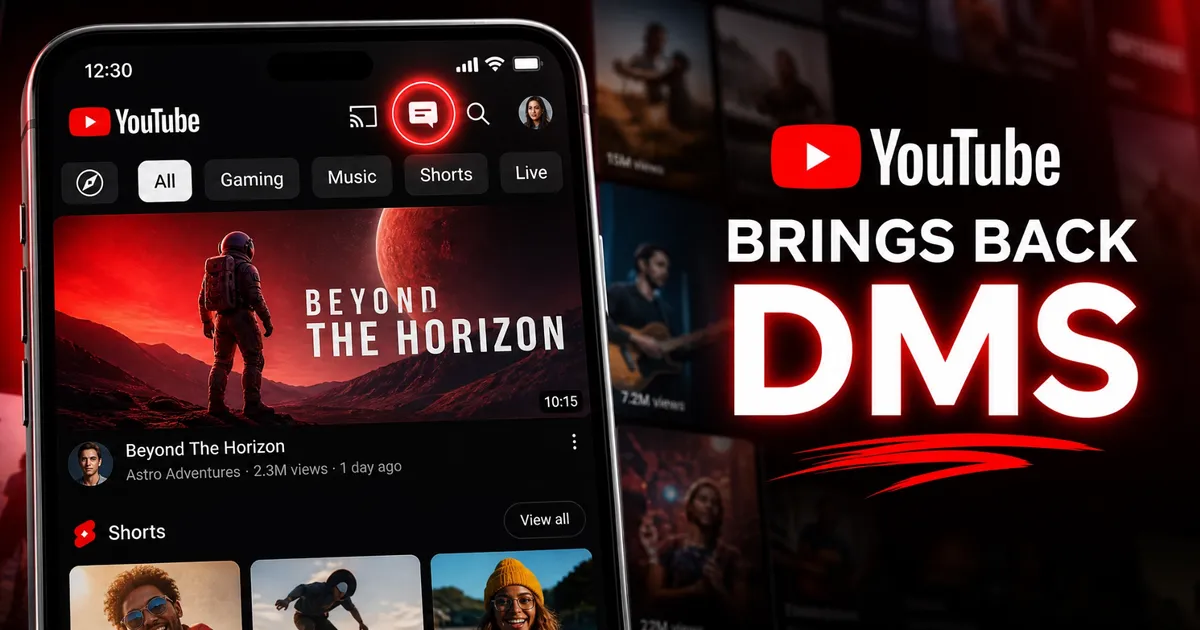
YouTube Brings Back DMs: How to Use the New Invite-Only Messaging Feature
Sharing a YouTube video usually involves a clunky digital dance: copying a link, minimizing the app, opening WhatsApp or iMessage, and pasting the URL into a group chat. YouTube is finally eliminating this friction. Seven years after shutting down its original direct messaging (DM) system in 2019, the platform is reintroducing in-app video sharing.
Following successful beta testing across more than 30 European countries since late 2025, YouTube’s new messaging system is now rolling out to 40 countries, including the United States, the UK, Brazil, and Singapore.
Here is everything you need to know about the new YouTube messaging feature, the strict guardrails in place, and why the video giant is pivoting back to private social engagement.
Why is YouTube Bringing Back Private Messaging?
When YouTube removed its original messaging feature in 2019, the company claimed it wanted to focus its resources on public conversations like comments and community posts. However, the landscape of social media has shifted dramatically since then.
The return of DMs highlights YouTube’s strategic push to compete directly with TikTok and Instagram. On those platforms, native private sharing drives massive content discovery, engagement, and user retention. By keeping users inside the YouTube ecosystem rather than sending them off to external messaging apps, YouTube can boost watch time and feed its recommendation algorithms. It marks a calculated evolution from a standard search-and-consume service to a comprehensive social destination.
Key Features and Privacy Guardrails
To prevent the spam and harassment issues that plagued its previous messaging iteration, YouTube has built this new feature with heavy restrictions—acting more like a monitored campus than a private phone booth.
Age and Account Restrictions: To send or receive messages, users must be at least 18 years old, have their age verified, and be signed into a personal Google Account linked to a YouTube channel.
Invite-Only Connections: You cannot simply search for a stranger and send them a message. Conversations can only begin after you send an invitation link through a third-party service (like a text message or external app).
Time-Sensitive Links: Invitation links expire after seven days. The recipient must actively click "Allow messaging" to accept the connection before any in-app chatting can occur.
Content Compatibility: You can share standard videos, YouTube Shorts, livestreams, and even "unlisted" videos. However, "private" videos cannot be shared through this system.
Step-by-Step: How to Send a DM on YouTube
Using the new messaging system is straightforward once you have established a connection with a friend or family member.
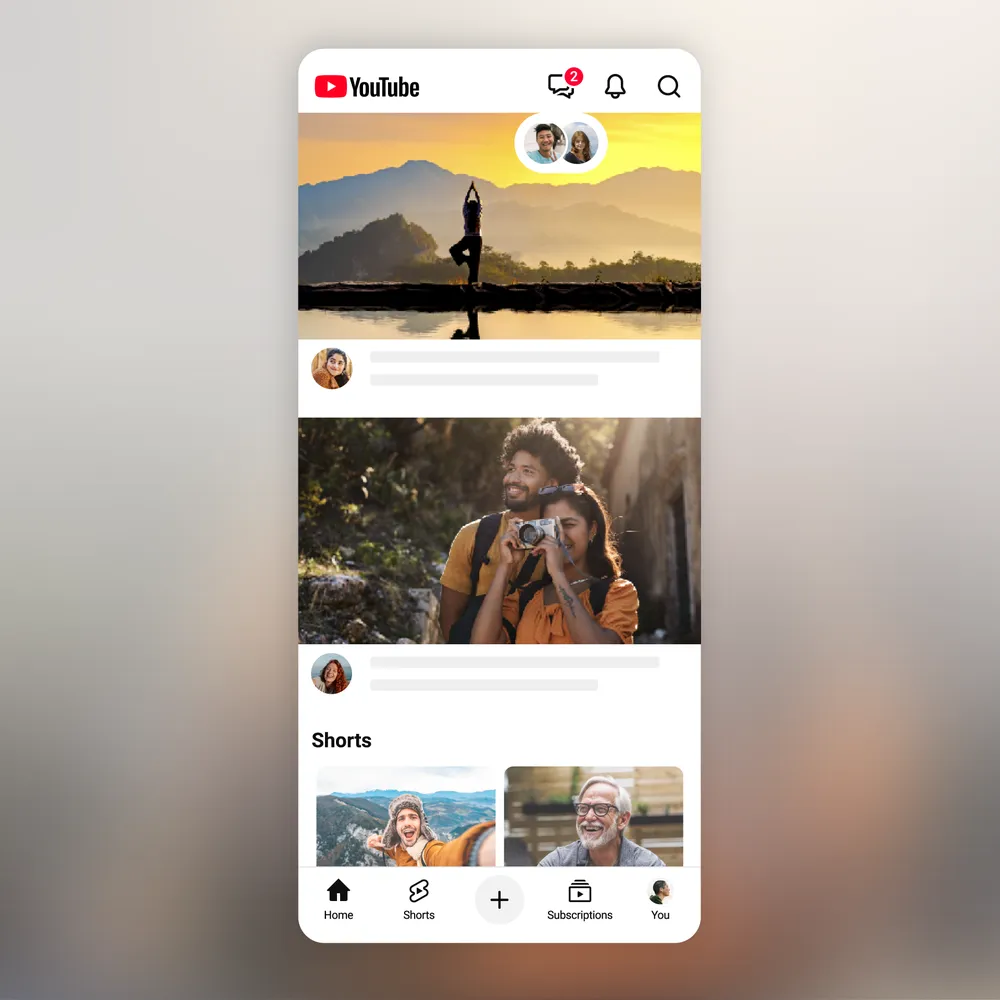
Locate the Messages Tab: Open the YouTube mobile app. You will see a new "Messages" icon in the top-right corner of the screen, situated next to the "Cast" button.
Generate an Invite: Tap the icon, select “Invite to chat,” and send the generated URL to a friend via your preferred external messaging app.
Share Natively: Once your friend accepts the invite within the seven-day window, they are added to your YouTube contacts. Moving forward, whenever you tap the "Share" button on any video or Short, your connected YouTube contacts will appear at the top of the share sheet.
Chat and React: You can drop videos directly to your contacts and discuss or react to the content in real time, entirely within the YouTube app. The app will send you notifications whenever you receive a new message.
Safety First: Moderation Over Encryption
Unlike dedicated messaging apps such as Signal or WhatsApp, YouTube’s direct messages are not end-to-end encrypted. Because YouTube views this primarily as a video-sharing utility rather than a private communication hub, all conversations and shared content are actively monitored and subject to YouTube's standard Community Guidelines.
If a user shares flagged material or violates the platform's policies in a private chat, YouTube retains the right to review the material. To give users control over their experience, the platform allows you to unsend messages (by long-pressing them), delete entire conversation threads, block specific users, and report chats.
The Future of the Platform
The reintroduction of DMs does not mean YouTube will replace your primary texting apps. Instead, it offers a streamlined, native way to pass along a helpful tutorial, a trending music video, or a viral Short without breaking your viewing flow. By combining Shorts, Community tabs, and now direct messaging, YouTube is positioning itself to be a fully enclosed social ecosystem.
If this rollout meets the same positive reception in the US and other global markets as it did during its European beta, users can expect broader global availability and potentially deeper social features in the near future.
TouchScreen Apple - Apple's Touchscreen MacBook Ultra: "100% Confirmed" Features, Release Date, and Design Leaks
Community Discussion
Loading comments...
Join the Conversation
Log in to post your thoughts, ask questions, and engage with authors and developers.
Log in to Comment