Everything You Need to Know About Google's New Googlebook
Discover the new Googlebook, Google's premium AI laptop combining ChromeOS and Android . Learn about its Gemini Intelligence and exclusive features .
Author
Shalimar Mehra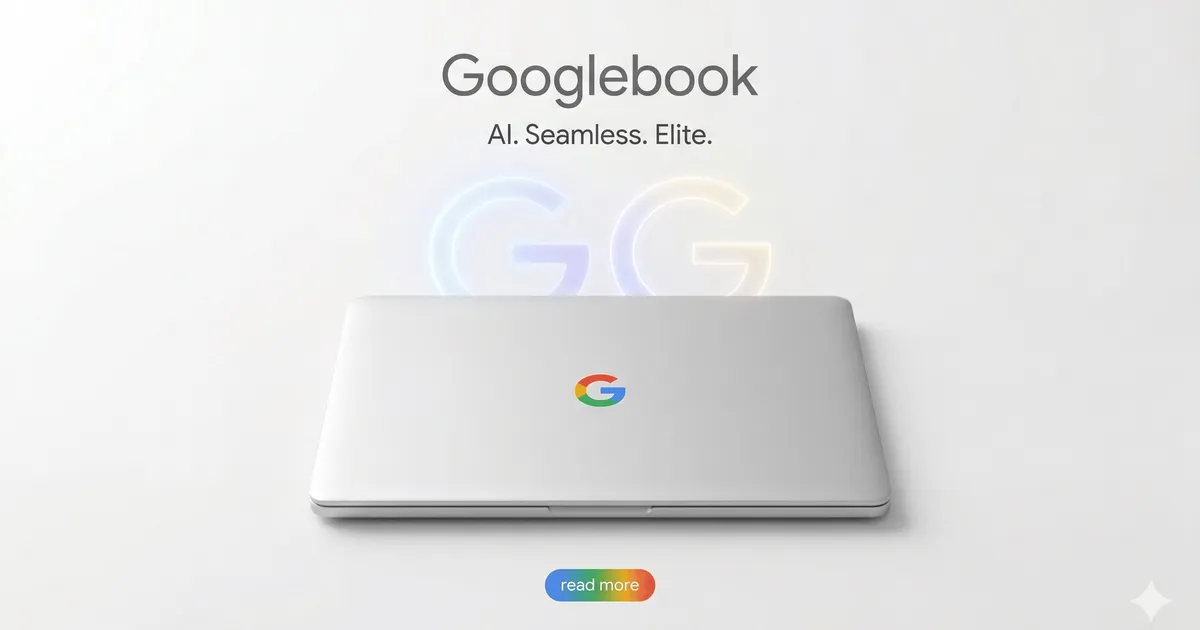
Google has officially announced its highly anticipated successor to the Chromebook and Pixelbook Go: the Googlebook. Revealed in May 2026 during "The Android Show: I/O Edition," this new laptop platform fulfills a decade-long wish by combining ChromeOS and Android into a single, unified system.
If you are looking to upgrade your tech setup and wondering what sets the Googlebook apart from the competition, here is a highly optimized breakdown of the features, design, and specs of Google's newest premium device.
What is a Googlebook?
The Googlebook is a new brand of smart laptops created by Google. Designed to directly compete with high-end MacBooks and Windows laptops, Googlebooks are positioned at the premium end of the market, aimed specifically at professionals and power users.
While Google developed the platform and software, the physical laptops will be manufactured by top-tier hardware partners, including Acer, Asus, Dell, HP, and Lenovo. Google has promised that every Googlebook will feature premium craftsmanship and high-quality materials, and will be available in a variety of shapes and sizes. Visually, these laptops will stand out from the crowd with a distinctive "glow bar" and a dedicated Googlebook logo on the keyboard deck.
An Operating System Built for AI
The true powerhouse of the Googlebook lies in its software. Developed under the codename "Aluminium OS," the new operating system is built from the ground up to deeply integrate Gemini Intelligence. This means the OS is specifically designed for artificial intelligence, allowing the laptop to provide proactive, contextual assistance in ways older systems cannot.
Top Exclusive Features of the Googlebook
Because it runs on a completely new AI-driven operating system, the Googlebook boasts several features you simply won't find on a traditional Chromebook:
Magic Pointer: By simply wiggling your mouse or cursor, the laptop brings up contextual suggestions based on whatever is currently on your screen. For example, if you hover your cursor over a date in an email, Magic Pointer can instantly help you set up a calendar meeting.
Create your Widget: This prompt-based customization feature lets you use natural language to generate custom widgets. This creates a personalized dashboard that gathers specific information from the web and your Google apps seamlessly.
Seamless Android Integration (Quick Access): Googlebooks offer unprecedented, seamless compatibility with the Android ecosystem. You can use your smartphone apps directly on your laptop without needing to download them or struggle with clunky emulated touch controls. Additionally, the "Quick Access" feature lets you instantly search, view, or insert files directly from your phone onto your laptop.
Googlebooks vs. Chromebooks: What’s the Difference?
While Chromebooks are built primarily for cloud-based work on a traditional ChromeOS, Googlebooks are built around an intelligence system utilizing Google Gemini.
The most noticeable difference for consumers will be the price point and performance tier. Chromebooks are famous for being budget-friendly, typically ranging from $150 to $600. Googlebooks are premium devices that are expected to carry starting prices around $1,000 for lower-end models. For that premium price, users can expect robust, high-end components comparable to top Windows machines, potentially including discrete GPUs, significant RAM and storage, and advanced processors like Intel Panther Lake chips.
If you are a fan of Chromebooks, do not worry—Google will continue to support Chromebooks alongside the new Googlebook line.
Release Date: When Can You Buy a Googlebook?
If you are ready to get your hands on Google's next-generation hardware, you won't have to wait too long. Google has confirmed that the first Googlebooks will launch later this year in 2026.
Play store removes dead apps Google Play Store Update: New Alerts for Removed & Dead Apps
Community Discussion
Loading comments...
Join the Conversation
Log in to post your thoughts, ask questions, and engage with authors and developers.
Log in to Comment