Gemini Notebook (Formerly NotebookLM): The Ultimate Guide to Pricing, Features, & Privacy
Discover everything about Google's newly rebranded Gemini Notebook (formerly NotebookLM). Explore features, pricing plans, privacy controls, and alternatives.
Author
Shalimar Mehra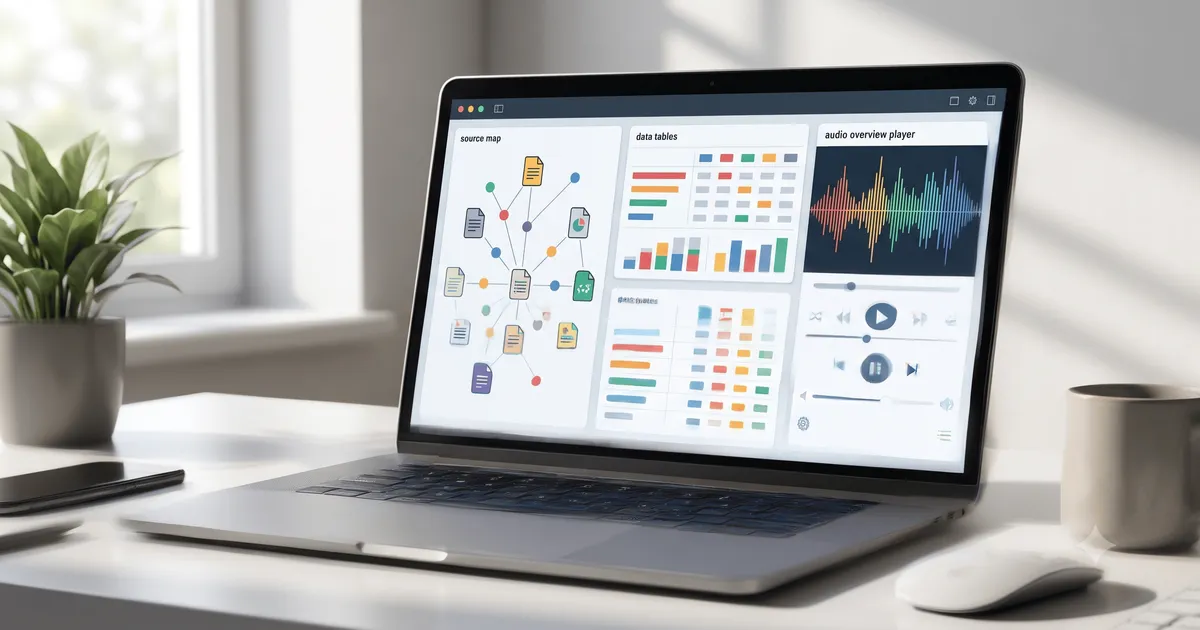
Gemini Notebook (Formerly NotebookLM): The Ultimate Guide to Pricing, Features, & Privacy
Introduction - On July 16, 2026, Google officially rebranded its popular AI research assistant, NotebookLM, to Gemini Notebook. Originally launched as an experiment called Project Tailwind in 2023, the tool has since been adopted by over 30 million users and 600,000 organizations. By grounding its AI strictly in the documents you upload, Gemini Notebook acts as a personalized, hyper-focused research assistant that refuses to hallucinate answers from the open web.
Quick Answer / Summary
What it is: A retrieval-augmented generation (RAG) tool that lets you upload up to 600 sources per notebook to generate summaries, study materials, and data analyses.
Key Features: Podcast-style Audio Overviews, cinematic Video Overviews, native code execution via a secure cloud computer, and interactive Study Notebooks.
Pricing: A robust free tier is available permanently, alongside paid subscriptions starting at $7.99/month for Plus and $19.99/month for Pro.
Privacy: Prompts, uploads, and model responses are not reviewed by humans or used to train Google's generative AI models without permission.
Why It Matters
Information overload is a daily struggle for students, researchers, and enterprise teams. Gemini Notebook solves this by letting you curate your own AI knowledge base. Instead of querying a general AI that might invent facts, you interact directly with your trusted PDF's, Google Docs, and web links. Its seamless integration into Google Workspace makes it an indispensable tool for anyone looking to synthesize large volumes of data quickly.
Core Features of Gemini Notebook
Gemini Notebook has rapidly evolved beyond simple text summaries. Today, it offers a suite of multimedia and analytical tools:
1. Audio and Video Overviews
The most famous feature of Gemini Notebook is Audio Overviews, which turns your uploaded documents into a conversational, podcast-like discussion between two AI hosts. Users can even "Join" the conversation to ask questions directly to the AI hosts. More recently, Google added Video Overviews, transforming document summaries into visual, slide-style videos with AI narration and diagrams.
2. Secure Cloud Computer & Native Code Execution
As of July 2026, Google equipped notebooks with a secure cloud computer. This allows the AI to natively write and execute Python code for advanced data analysis directly against your uploaded files, generating interactive outputs like charts, data tables, and spreadsheets.
3. Interactive Study Notebooks
For students, Gemini Notebook offers specialized "Study Notebooks." These create personalized, bite-sized lessons and generate diagnostic quizzes to identify knowledge gaps. You can also instantly generate flashcards and infographics from course materials.
Gemini Notebook Pricing (2026)
Gemini Notebook cannot be purchased as a standalone product; it is bundled with Google AI and Workspace subscriptions.
Plan | Price (USD) | Notebook / Source Limits | Key Daily Caps | Best For |
|---|---|---|---|---|
Standard | $0/month | 100 notebooks / 50 sources | 50 chats, 3 Audio, 3 Video | Casual users & students |
Plus | $7.99/month | 200 notebooks / 100 sources | 200 chats, 6 Audio, 6 Video | Light power users |
Pro | $19.99/month | 500 notebooks / 300 sources | 500 chats, 20 Audio, 20 Video | Daily researchers & podcasters |
Student (Pro) | $9.99/month | 500 notebooks / 300 sources | Same as Pro caps | US students 18+ with .edu email |
Ultra 20TB | $99.99/month | 500 notebooks / 500 sources | 2,500 chats, 100 Audio, 100 Video | Heavy users wanting unwatermarked exports |
Workspace Standard | $14/user/mo | 200 notebooks / 100 sources | Plus caps + enterprise data terms | Small business teams |
Privacy and Security
Google explicitly states that user uploads, queries, and model responses in Gemini Notebook are not reviewed by human reviewers and are not used to train Google's generative AI models without permission.
When you upload a file from Google Drive into Gemini Notebook, it creates a separate copy stored with your notebook data. However, organizations should be aware that while the broader Gemini App has SOC, ISO, and FedRAMP compliance, Gemini Notebook currently does not support ISO, SOC, HIPAA, or FedRAMP compliance.
Gemini Notebook vs. Competitors
How does Gemini Notebook stack up against the broader AI research market?
Atlas: Best for visual synthesis. While Gemini Notebook isolates projects into separate notebooks, Atlas builds a cited, visual knowledge map connecting all your sources.
Claude Projects: Best for hard reasoning. Claude uses your sources plus its broader model knowledge for deep critique, whereas Gemini Notebook is strictly grounded in your uploads.
Perplexity: Best for live web search. Perplexity searches the open web for real-time citations, while Gemini Notebook relies on files you already possess.
Elicit / Scite: Best for academic discovery and checking citation context across millions of published papers.
Step-by-Step Guide: Creating a Notebook
Access the App: Go to
gemini.google.comon your computer and sign in with a personal Google Account (work and school accounts may have restrictions depending on admin settings).Open the Sidebar: Click "Open Sidebar" on the top left, then click New notebook.
Name Your Project: Give your notebook a descriptive name to keep it organized.
Add Sources: Click the sources icon to upload files. You can upload PDFs, text files, Google Docs, spreadsheets, audio files, and web URLs.
Start Chatting: Enter a prompt. The AI will answer exclusively based on the context of your uploaded sources.
Note: To create a study-specific notebook, select New notebook > Study and learn instead, and tell the AI your specific learning goal (e.g., "Help me study for my Calculus midterm").
Best Practices
Centralize Your Data: Maximize the 600-source limit (on paid plans) by feeding your notebook a mix of text, audio, and spreadsheet data for a comprehensive AI knowledge base.
Set Custom Instructions: Use the "Notebook settings" menu to give Gemini detailed instructions on formatting responses or establishing a specific tone for your project.
Pin Important Notebooks: If you have active research, click "Pin" in the sidebar so your most frequently used notebooks stay at the top of your list.
Common Mistakes
Expecting Open-Web Answers: Gemini Notebook is designed to answer questions based only on the sources you provide. If the answer isn't in your files, it will tell you it doesn't know.
Deleting Chats Accidentally: If you delete a notebook in the Gemini App interface, it will permanently delete the notebook, its sources, and its chat history in the standalone Gemini Notebook app as well.
Ignoring Workspace Limits: Remember that Gemini Notebook currently lacks Workspace Data Loss Prevention (DLP) integration, meaning you must rely on Drive Information Rights Management (IRM) to prevent sensitive files from being uploaded.
Practical Examples
Podcasters & Content Creators: Upload a dozen articles on a niche topic and generate a 10-minute Audio Overview to listen to the AI debate the core themes during a commute.
College Students: Upload an entire semester's worth of lecture transcripts and PDFs into a Study Notebook to automatically generate diagnostic quizzes and interactive flashcards.
Business Analysts: Upload raw financial CSVs and let the secure cloud computer natively execute Python code to generate clean data tables and presentation-ready slide decks.
Frequently Asked Questions
Is Gemini Notebook free to use? Yes. The Standard tier is entirely free and includes 100 notebooks, 50 sources per notebook, 50 daily chats, and a set amount of daily Audio/Video overviews. You do not need a credit card.
Are my files used to train Google's AI? No. Prompts, uploaded files, and generated responses in Gemini Notebook are not reviewed by humans or used to train Google's AI models.
Can I export my Gemini Notebook data? Yes. Users can export their Gemini Notebook data using Google Takeout.
Can I use Gemini Notebook for HIPAA-compliant workflows? No. While the main Gemini App supports HIPAA and FedRAMP compliance, Gemini Notebook currently does not fall under the Google Business Associate Agreement (BAA) for HIPAA compliance.
Key Takeaways
NotebookLM is now Gemini Notebook: The product was rebranded in July 2026 but remains a standalone, source-grounded research tool.
Code Execution is Here: Paid users now have access to a secure cloud computer within notebooks, allowing the AI to run native code for complex data analysis.
Strict Privacy Boundaries: Your uploaded sources remain private and are not used to train global AI models.
Tiered Pricing: The tool is bundled with Google AI plans, ranging from a generous Free tier to a $19.99/month Pro tier, and high-end Ultra tiers for enterprise-level demands.
Conclusion
The evolution of NotebookLM into Gemini Notebook cements Google's commitment to personalized, hallucination-free AI research. Whether you are a student generating quizzes from lecture notes, a professional running data analysis via its secure cloud computer, or an auditory learner utilizing its groundbreaking podcast generator, Gemini Notebook is one of the most powerful productivity tools on the market today.
Spotify Upgradation - Talk to Spotify: How to Use the New AI Music Assistant
Community Discussion
Loading comments...
Join the Conversation
Log in to post your thoughts, ask questions, and engage with authors and developers.
Log in to Comment