Google Selfie Sign-In: Secure Account Access via Video Verification
Discover how to use Google's new selfie video sign-in feature. Securely regain account access using video verification if you lose your phone or get locked out.
Author
Shalimar Mehra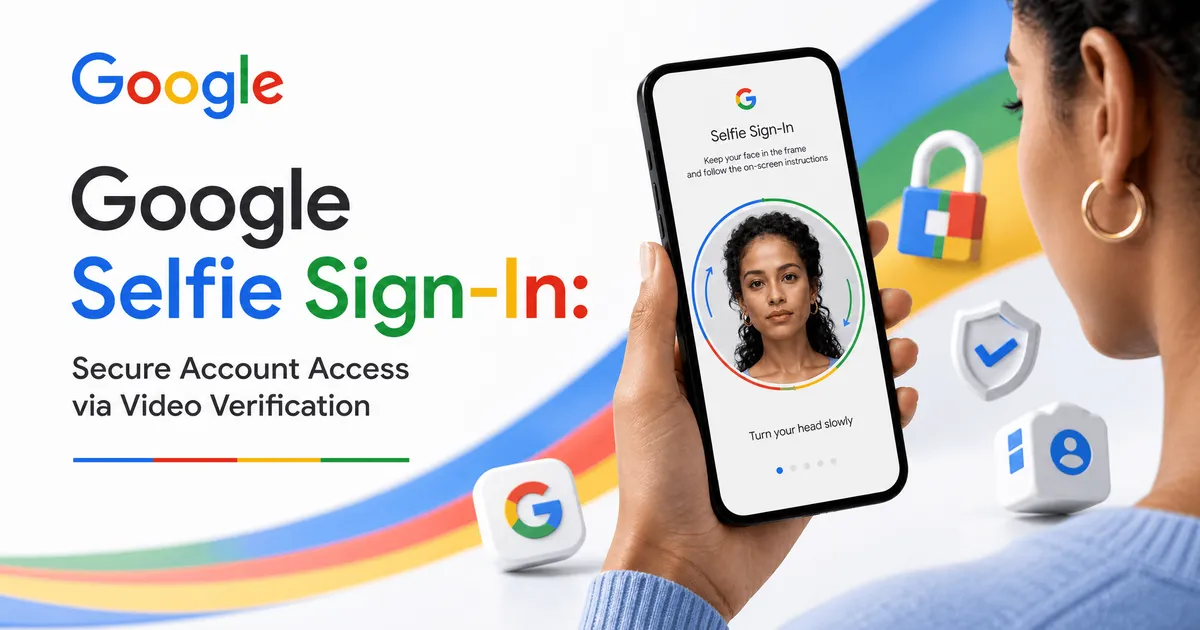
Google Selfie Sign-In: Secure Account Access via Video Verification
Your Google Account holds a wealth of valuable information, ranging from cherished photos to critical emails and documents. To ensure this data remains private, secure, and available, experts recommend setting up multiple sign-in methods. Building on existing flexible security options like passkeys and recovery contacts, Google has introduced a new way to authenticate your identity: selfie video.
Google's selfie video is a new backup sign-in method that allows you to access your Google Account if you get locked out. By recording a short video with guided head movements, you can verify your identity securely. The video data remains encrypted, private, and entirely under your control.
Losing access to your digital life can be stressful. Selfie video provides you with additional options to regain entry if you are ever locked out of your account. It is particularly valuable if you find yourself without access to your usual phone or computer.
Advanced Security and Deep Fake Protection
When dealing with biometric data, security is paramount. When you use a selfie to sign in, Google employs multiple layers of security to prevent impersonation attempts, such as fake photos and deep fake videos. The system matches your new login video against your originally saved selfie and requires you to perform simple movements to prove it is a live video. Furthermore, Google applies its standard security practices to detect and prevent any suspicious sign-in attempts.
Built with Privacy in Mind
Google has designed this feature emphasizing user consent and data control. Your selfie video belongs to you, and it is recorded and securely stored only with your consent. It is strictly used to help you sign in, unless you explicitly opt to share it for other purposes. For added protection, the video is encrypted at rest, which means it remains securely stored even when it is not actively being used.
Step-by-Step Guide
Setting up and using the selfie video feature is a straightforward process.
How to Set Up Your Selfie Video:
Visit
g.co/signin-selfieto check your account's eligibility.Look directly at your device's camera.
Follow the on-screen prompts to complete a few short, guided head movements.
Allow the system to capture multiple angles of your face.
How to Use It for Account Recovery:
If you have trouble signing in to your account later, initiate the selfie video recovery option.
Take a new selfie video following the system's prompts.
The system will compare the new video to the one you initially set up to confirm your identity and restore your access.
Best Practices
Be Proactive: Set up your selfie video before you actually need it.
Layer Your Security: Do not rely on just one method. Combine selfie video with other secure and flexible options like passkeys and recovery contacts to ensure you always have a backup.
Common Mistakes
Note: The provided sources do not explicitly list common user mistakes. However, based on the setup requirements, users must ensure they complete the guided head movements properly to capture the necessary multiple angles for the feature to work accurately.
Practical Examples
The selfie video feature is designed for specific emergency scenarios, such as:
You lose your primary smartphone and need to log in on a new device.
Your usual computer breaks, and you cannot access your saved passwords.
You are traveling without your standard tech setup and get locked out of your account.
Expert Tips
Total Control: You can delete your saved selfie video at any time within your Google Account settings.
Check Eligibility: Not all accounts may have immediate access. You must visit the specific setup portal (
g.co/signin-selfie) to determine if your account is currently eligible for this feature.
Frequently Asked Questions
What is Google selfie video sign-in? It is a backup method to access your Google Account if you get locked out, utilizing a short video of your face to verify your identity.
How does Google prevent people from using fake videos to access my account? The system requires you to perform simple guided movements to prove you are recording a live video, which helps prevent impersonation attempts using photos or deep fakes.
Is my selfie video kept private? Yes. Your video is encrypted at rest and is used only to help you sign in, unless you opt to share it for other purposes.
Can I delete my selfie video later? Yes, you are in complete control and can delete the video from your Google Account at any time.
Key Takeaways
Selfie video is a secure backup recovery tool for your Google Account.
It requires simple, guided head movements to prove liveness and capture multiple angles.
The feature includes robust protections against deep fakes and impersonation.
Data privacy is prioritized; videos are encrypted at rest and can be deleted at any time.
Users should combine this with other methods like passkeys for maximum security.
Conclusion
As our digital lives grow increasingly complex, maintaining secure and reliable access to our accounts is crucial. Google’s new selfie video sign-in provides a modern, secure, and privacy-focused solution for users who find themselves locked out without their usual devices. By taking a few minutes to set it up at g.co/signin-selfie, you can ensure that your photos, emails, and documents remain safely within your reach.
Original Article - Link
Google Play Store Update - Google Play Store Update: New Alerts for Removed & Dead Apps
Community Discussion
Loading comments...
Join the Conversation
Log in to post your thoughts, ask questions, and engage with authors and developers.
Log in to Comment