How to Stay Connected and Secure During an Internet Shutdown
Learn how to communicate during an internet shutdown using offline messaging apps, mesh networks, and radio, while protecting your digital security.
Author
Shalimar Mehra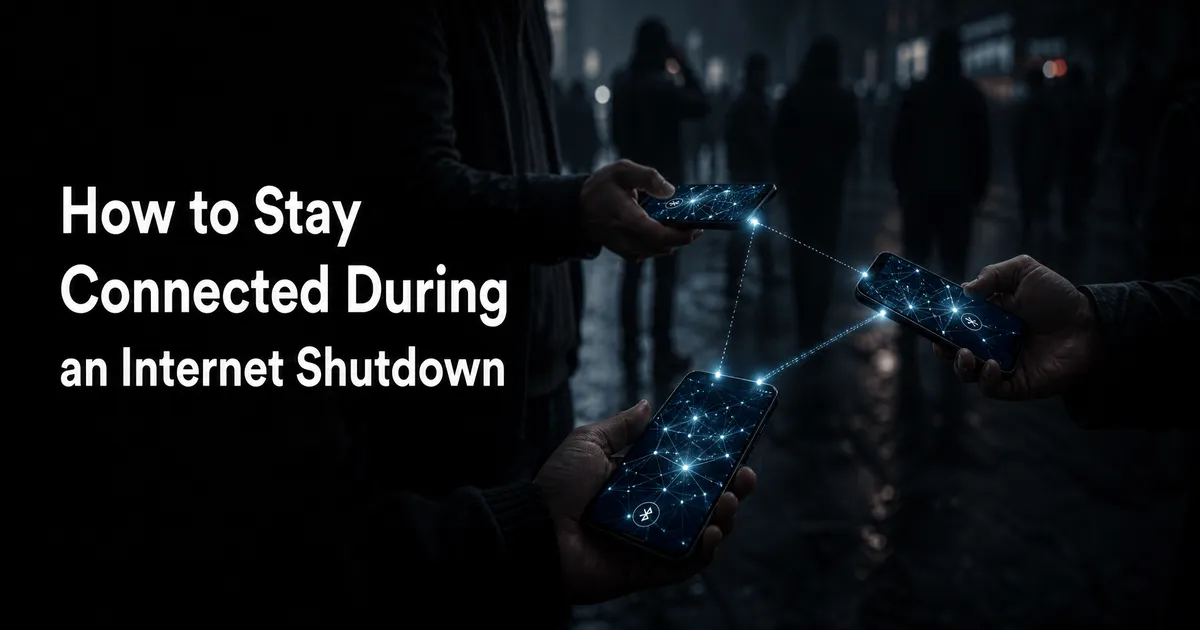
How to Stay Connected and Secure During an Internet Shutdown
Between 2016 and 2024, governments worldwide imposed nearly 2,000 documented internet shutdowns. Whether triggered by conflict, protests, or political instability, intentionally severing connectivity is a growing tactic to control the flow of information.
When the internet goes dark, the consequences extend far beyond mere inconvenience. Internet shutdowns block access to essential survival resources, obscure human rights violations, and expose individuals to severe digital and physical security risks. Fortunately, by preparing in advance, you can use offline messaging apps, mesh networks, and basic digital hygiene to maintain communication and protect your data when cellular and Wi-Fi networks fail.
If you are facing an imminent internet shutdown, take these steps immediately while you still have a connection:
Download offline messaging apps: Install Bluetooth/Wi-Fi Direct mesh apps like Briar, Bridgefy, or Signal Offline.
Install VPNs: Download reputable, paid Virtual Private Networks (VPNs) to bypass partial blocks, keeping local laws in mind.
Download critical information: Use tools like Kiwix to download Wikipedia and other essential websites for offline access.
Secure your device: Enable device encryption, set strong passwords, and back up all sensitive data to an external, encrypted drive.
Internet shutdowns have profound psychological, operational, and human rights impacts:
Psychological Toll: Disconnecting individuals from their social support networks leads to profound psychological distress. Studies show that sudden communication blackouts trigger feelings of isolation, frustration, helplessness, anxiety, and depression.
Human Rights and Safety: Shutdowns are often a precursor to violence and atrocities. By cutting off communication, authorities can hide human rights abuses from the global community.
Counterproductive Conflict Management: There is no empirical evidence that internet disruptions effectively stop rumors or control conflicts. In fact, rumors often persist and mass mobilizations continue even without social networking platforms.
Understanding Digital Threats and Blackouts
Types of Network Disruptions
Not all internet shutdowns look the same. They generally fall into three categories:
Total Blackouts: Complete disconnection from the global internet or mobile data networks.
Targeted Censorship: The intentional blocking of specific social media platforms, communication apps, or VPN websites.
Throttling: Intentionally slowing down internet speeds to 2G levels or lower, rendering the connection practically unusable for sharing media.
Digital Security Risks in a Crisis
During times of unrest, digital security directly intersects with physical security. Individuals and organizations face multifaceted threats:
Surveillance and Cyber Espionage: State and non-state actors may monitor communications, track movements via geolocation, and intercept data.
Malware and Phishing: Attackers use deceptive emails, SMS messages ("smishing"), or compromised public Wi-Fi to steal credentials or install spyware.
Device Seizure: In high-risk environments, authorities or hostile actors may confiscate physical devices. If a device is unencrypted, all contacts, photos, and messages are exposed.
Step-by-Step Guide: How to Communicate Without Internet
If you lose access to traditional networks, you can still communicate using specialized technologies.
Step 1: Utilize Mesh Networking Apps
Mesh apps allow devices to communicate directly with one another using Bluetooth Low Energy (BLE) or Wi-Fi Direct, bypassing cell towers and routers entirely. Each phone acts as a relay node, passing encrypted messages to the next device until they reach their destination.
Bridgefy: Uses Bluetooth to connect smartphones over a range of up to 330 feet (100 meters) per hop. It includes a "broadcast" mode to message anyone nearby, making it popular during large protests. Note: Past security audits have found vulnerabilities in Bridgefy, so avoid using it for highly sensitive information.
Briar: An Android-focused app that uses Bluetooth and Wi-Fi local sync. It requires no central server and utilizes strong end-to-end encryption to prevent surveillance.
Signal Offline Messenger: Allows peer-to-peer connection via Wi-Fi Direct up to 100 meters, enabling encrypted text, audio, and video messages.
Step 2: Leverage Enterprise On-Premise Servers (For Organizations)
For businesses, hospitals, and government agencies, consumer mesh apps are insufficient. These entities should deploy LAN-based or on-premise messaging platforms.
Platforms like Secumeet and TrueConf operate entirely inside a private network, allowing staff to chat and video conference with zero dependency on the public internet.
Step 3: Explore Alternative Hardware Solutions
International SIM Cards: In border regions, you may be able to pick up a cellular network from a neighboring country.
Satellite Content: Tools like Toosheh use standard satellite TV dishes to broadcast packets of offline content that users can download to USB drives. Starlink provides satellite internet, but using it in some countries (like Iran) can be illegal and dangerous, as receivers are easily located.
Broadcast Radio: In a total grid failure, traditional AM, FM, and Shortwave (SW) radio remains the ultimate survival tool. It requires no internet infrastructure and is vital for receiving emergency broadcasts.
Best Practices for Digital Security
To safely navigate network disruptions, you must practice excellent digital hygiene.
Harden Your Devices: Encrypt all mobile devices, use strong passphrases (avoid relying solely on facial ID or fingerprints), and disable Bluetooth and Wi-Fi when not actively in use.
Obscure Sensitive Content: If you risk device seizure, use Launcher apps (like Nova Launcher on Android) to change app names and icons. Place an empty file named
.nomediain Android folders to prevent photos or videos from appearing in your public gallery.Download Offline Resources: Use open-source tools like Kiwix to download entire wikis for offline reading. A text-only version of Wikipedia requires about 50 GB of storage, while a version with images requires roughly 150 GB.
Use Disappearing Messages: Use encrypted apps like Signal and enable disappearing messages to automatically erase sensitive conversations.
Common Mistakes to Avoid
Waiting Until the Shutdown: By the time a shutdown happens, it is already too late to download VPNs, mesh apps, or offline encyclopedias. You must prepare in advance.
Using Consumer Mesh Apps for Enterprise Data: A Bluetooth mesh app cannot replace an enterprise messaging system for a hospital or bank. Organizations must use secure, on-premise LAN solutions.
Ignoring Local VPN Laws: While VPNs help bypass partial blocks, they are criminalized in certain countries. Assess the legal and physical risks in your specific context before using them.
Practical Examples
Bypassing Censorship in Iran
During recent protests in Iran, authorities imposed near-total blackouts and deployed a "tiered internet" system, granting connectivity only to state-approved users and institutions. Journalists bypassed this by using Iraqi SIM cards near the border, relying on phone calls, or purchasing expensive, high-risk VPN connections to share footage with the outside world.
Gathering Evidence Safely
Human rights defenders often need to document violations during blackouts. Specialized documentation apps like Tella or Eyewitness to Atrocities store photos and videos in separate, encrypted galleries that are only accessible within the app. Once collected, evidence can be shared securely with trusted contacts via Bluetooth or Near Field Communication (NFC).
Expert Tips
Monitor Censorship: If you suspect an internet shutdown, use the OONI Probe app to measure and document censorship, throttling, and network anomalies. This data is crowdsourced globally to expose digital human rights violations. Assess local risks before installing it.
Change Your DNS: If a specific website is blocked by your local Internet Service Provider (ISP), changing your Domain Name System (DNS) server can sometimes bypass the block without needing a VPN.
Frequently Asked Questions
Can offline messaging apps replace regular messaging apps like WhatsApp? Not for daily use. Mesh apps like Bridgefy depend on the density of nearby users running the exact same app. Their range and reliability are highly limited compared to cellular or Wi-Fi connections.
Do mesh networking apps work if I am alone? No. Mesh networking apps require at least one other nearby device running the same app to act as a relay hop.
How much storage do I need to download Wikipedia offline? Using a tool like Kiwix or XOWA, you will need about 50 GB of storage for a text-only copy of Wikipedia. If you want all the images included, you will need nearly 150 GB of free space.
Key Takeaways
Preparation is mandatory: Download mesh apps, VPNs, and offline knowledge bases before a crisis begins.
Mesh networks require density: Apps like Briar and Bridgefy use Bluetooth to bounce messages from phone to phone, meaning they work best in crowds.
Protect physical devices: Use encryption, strong passcodes, and hidden folders to ensure data remains secure if a device is confiscated.
Radio is the ultimate fallback: When all digital networks fail, broadcast radio remains a reliable lifeline for emergency information.
Data Transfer Tool - The Ultimate Guide to Blip: Revolutionizing Cross-Platform File Transfers
Community Discussion
Loading comments...
Join the Conversation
Log in to post your thoughts, ask questions, and engage with authors and developers.
Log in to Comment